Do I need design skills or software to edit the template?
No. The details you change most — names, date, venue, programme, music and photos — are ordinary form fields. Nothing is installed and no design experience is needed.
Last updated: 1 August 2026
A template kad kahwin boleh edit is a wedding card template you can edit yourself — the names, date, venue, programme, photos and music — without a designer, without design software, and without paying for every revision. Every design in our catalogue is one, and you can keep editing after the card is live.
Every design below is fully editable. Open one, replace the sample names and details with your own, and the design itself stays exactly as you see it here.
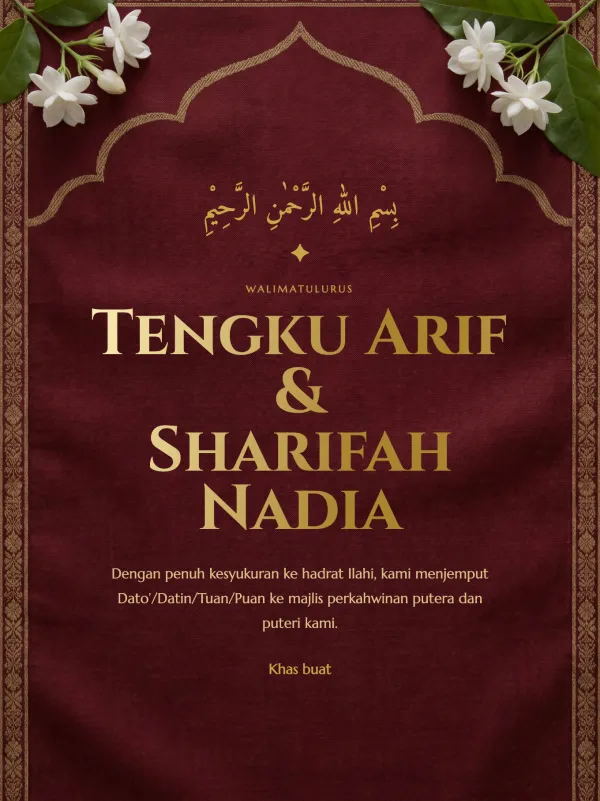
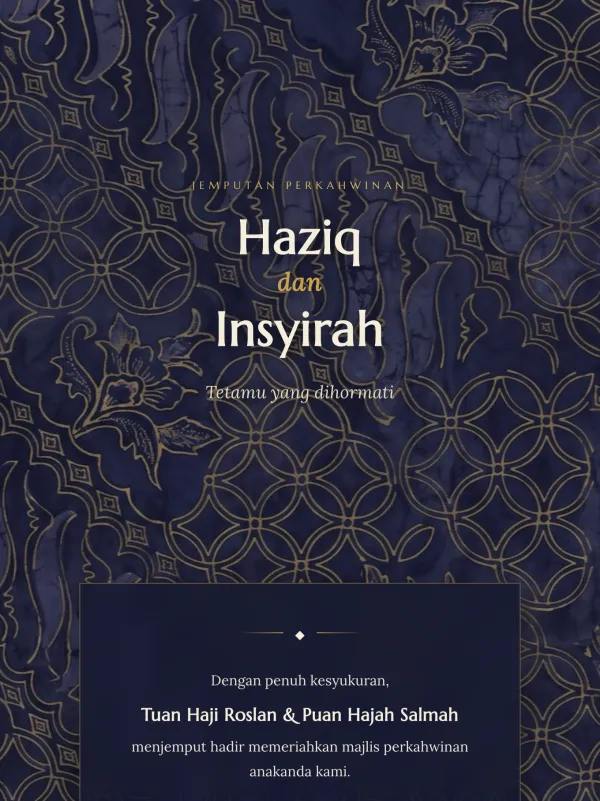
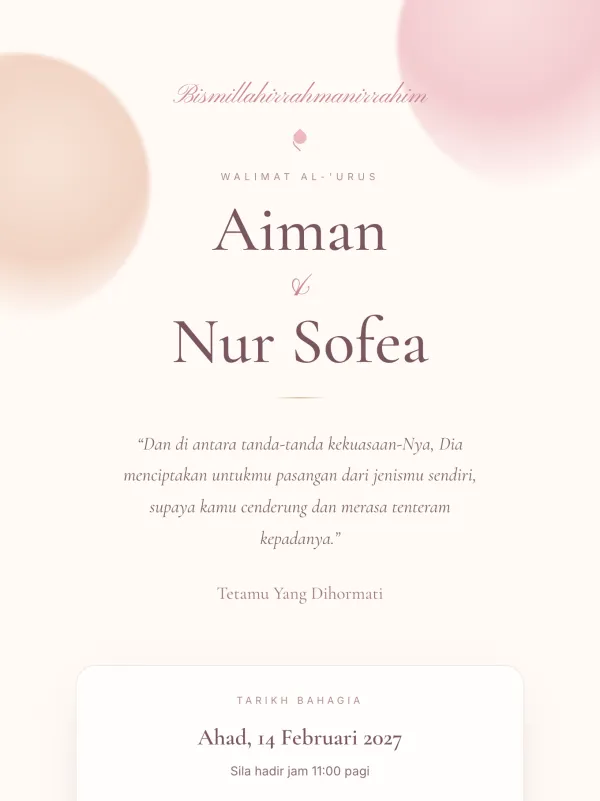
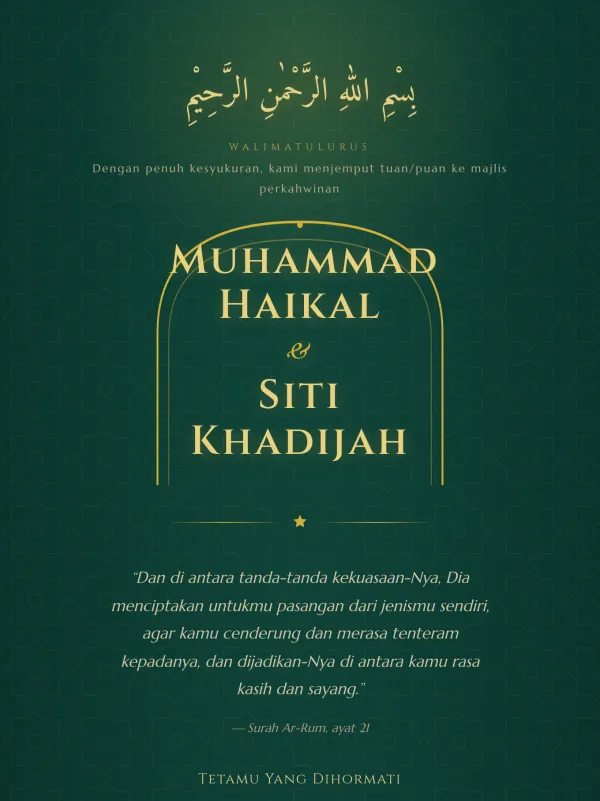
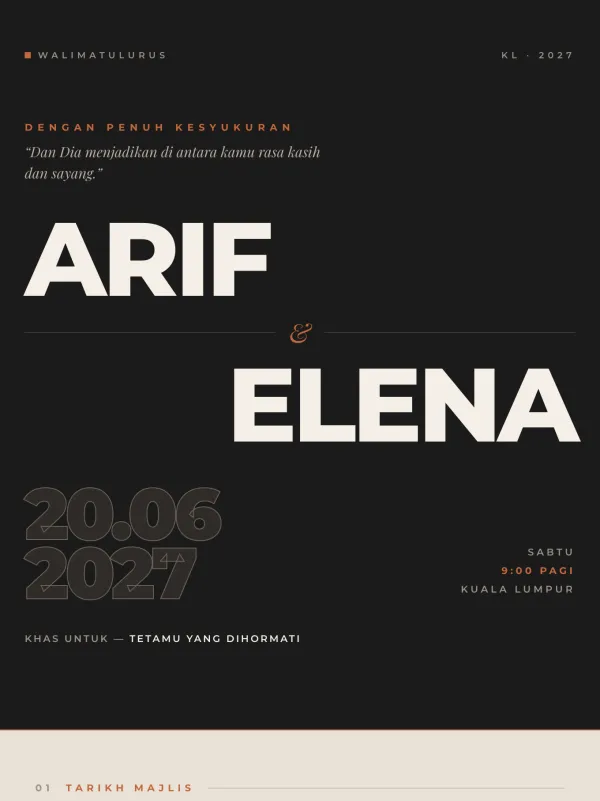
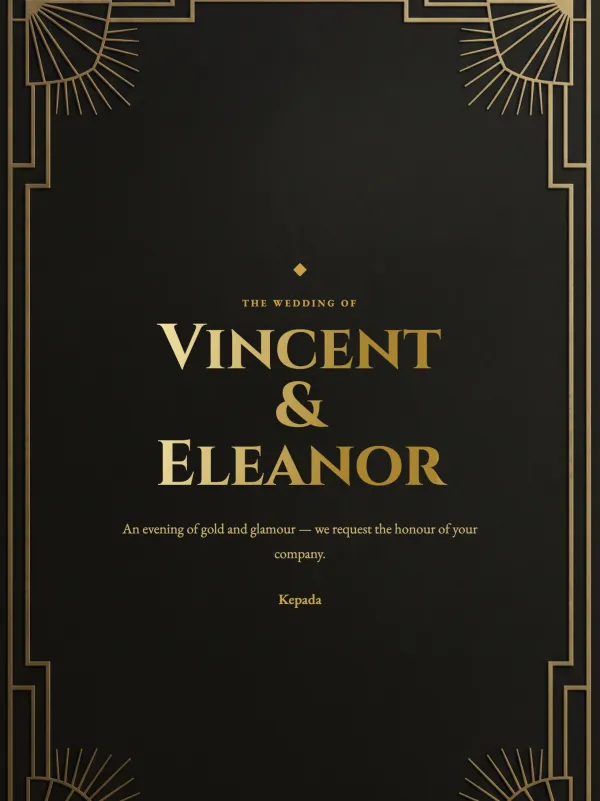
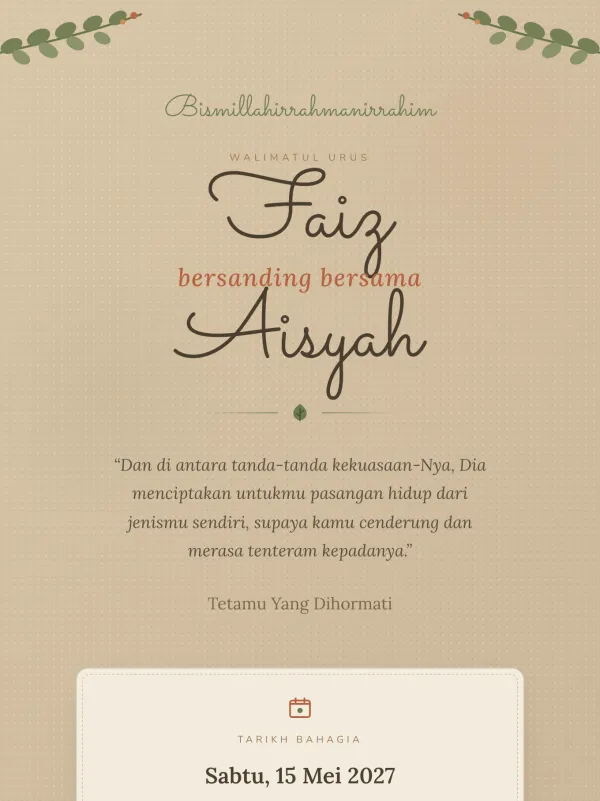
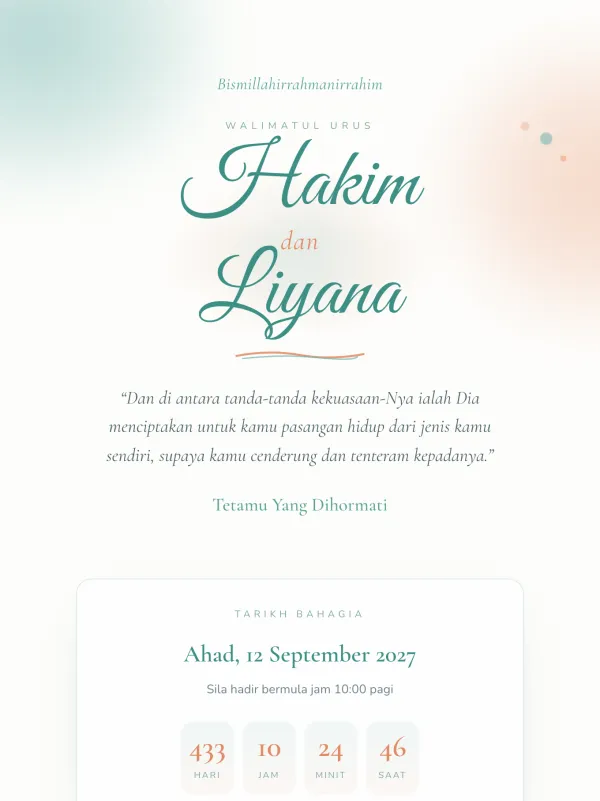
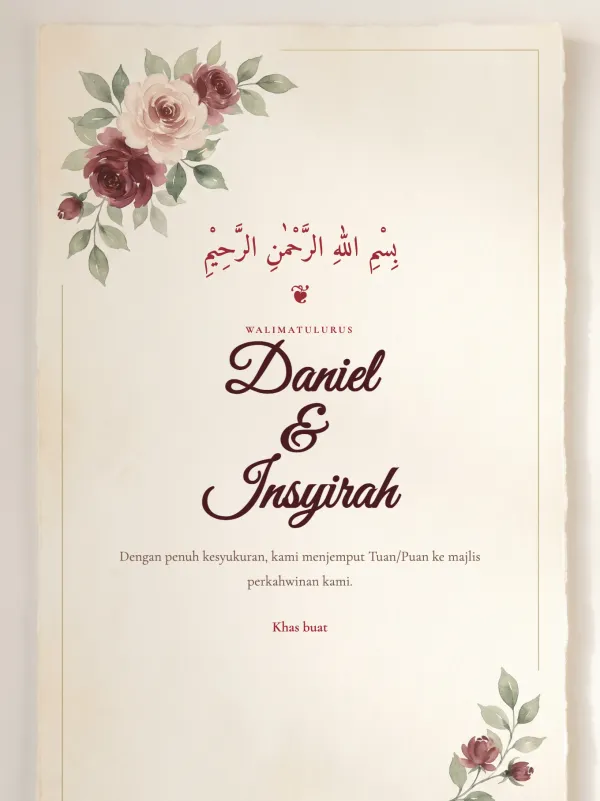
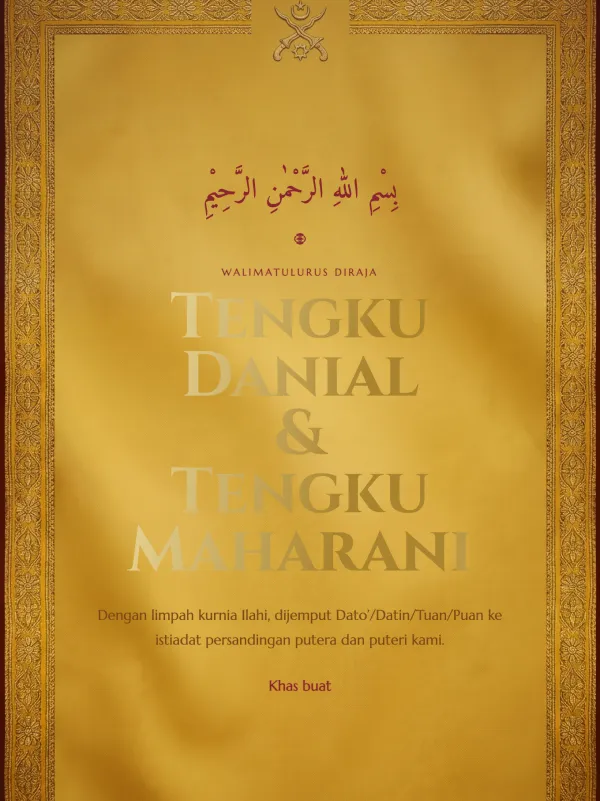
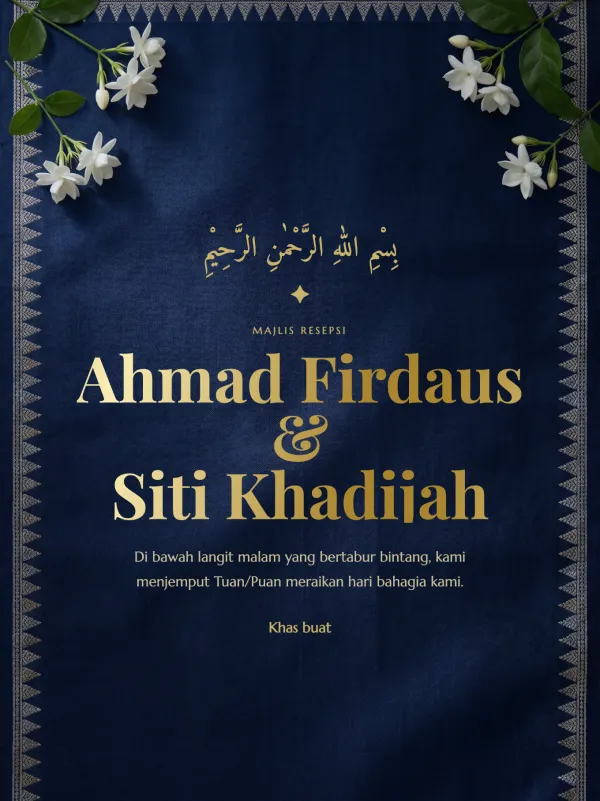
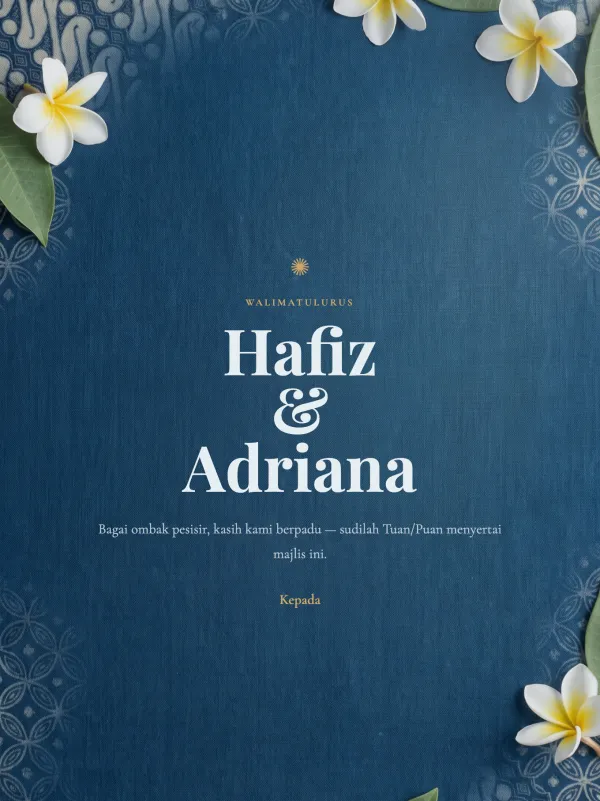
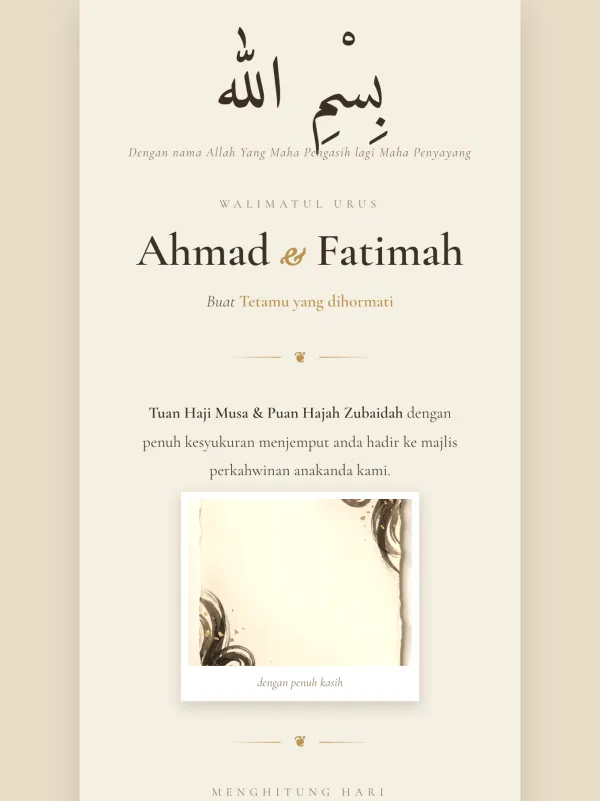
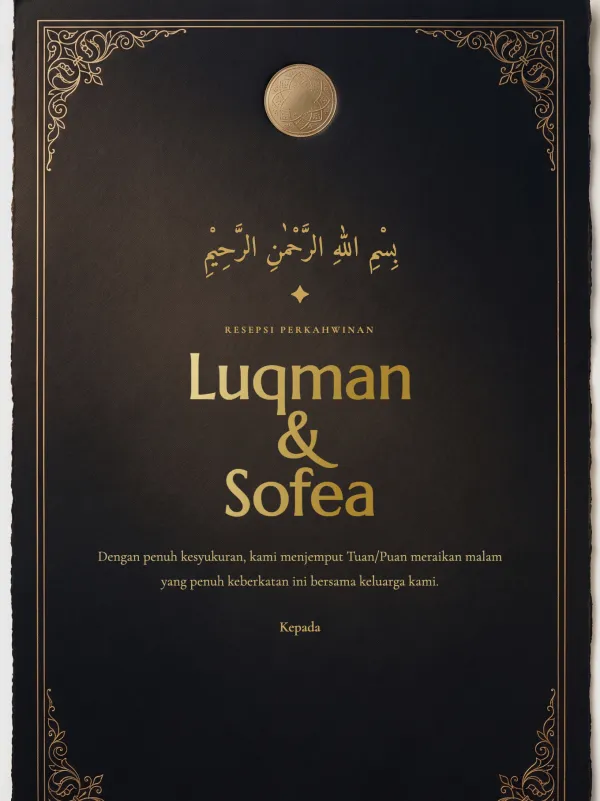
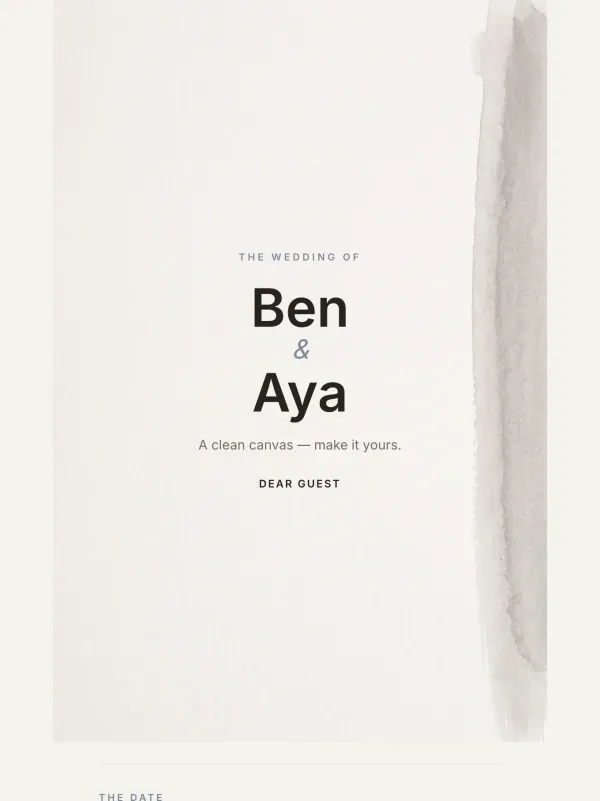
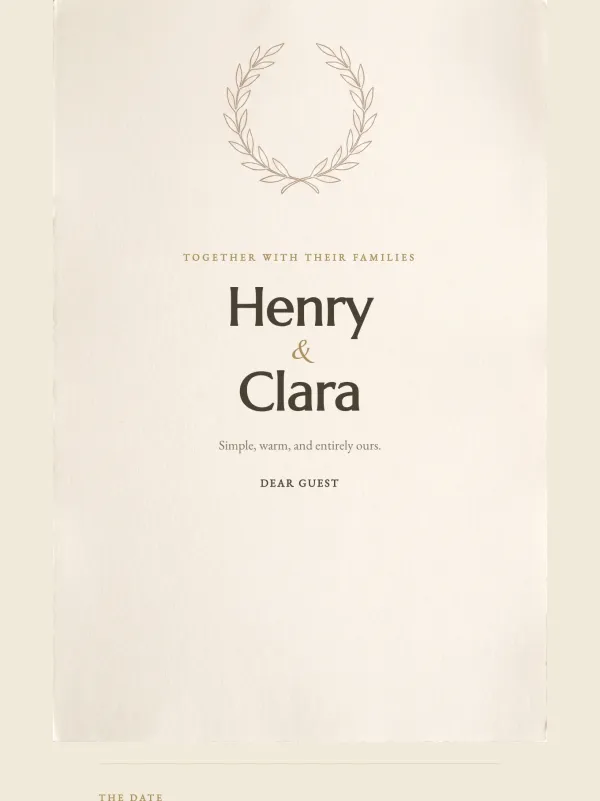
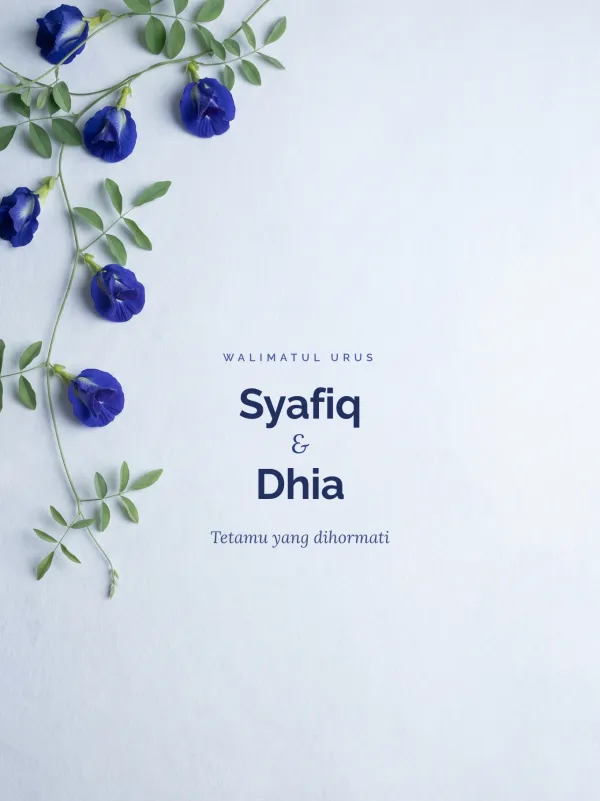
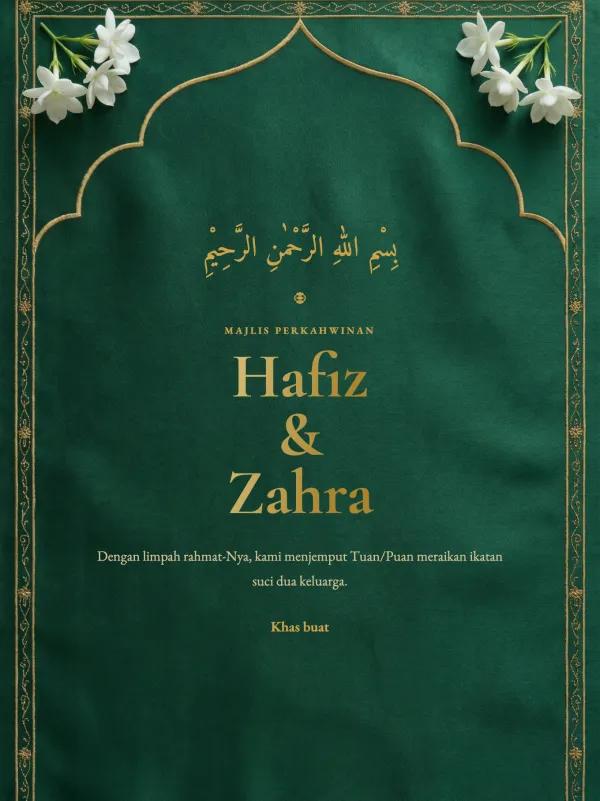
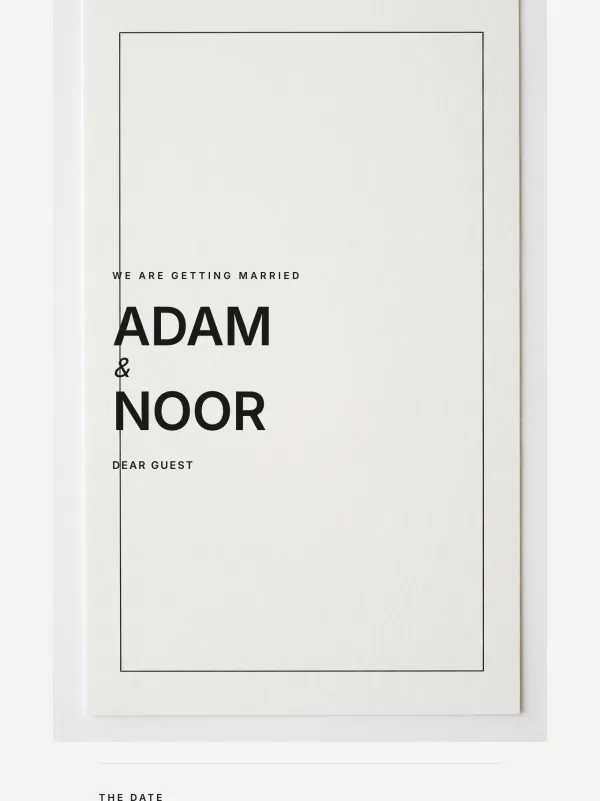
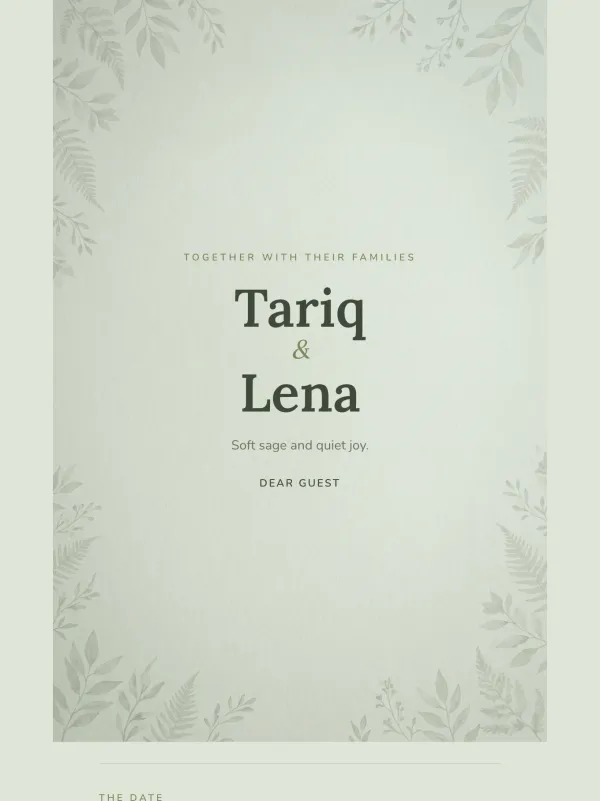
Everything a guest reads is yours to change, from a simple form — no layers, no design tools. Each template opens with sample details already in place, and you replace them:
Editing takes minutes and works entirely in a web browser, so a phone is enough:
Open the catalogue, view any design in full, and choose the one that fits your majlis. You can change your mind later without starting over.
Fill in the names, date, venue and maps links in the details form. The card updates as you go, and you can preview it exactly as a guest will see it.
Enter your atur cara slot by slot, paste a YouTube link for background music, and upload the photos you want in the gallery.
Set your public link and publish. Share that one link on WhatsApp — RSVPs and guestbook wishes start arriving in your dashboard.
Yes — and this is the main reason an editable digital template beats a printed or PDF one. If the venue moves, the time shifts or a name is misspelled, you edit the card and the change is live for everyone. The link you already sent stays exactly the same, so nobody needs a new one and no guest ends up reading outdated details.
Printed cards give you no second chance: a change means reprinting and redistributing the whole batch. A PDF or JPEG template has the same problem once it has been sent — every guest is holding a copy that you cannot reach.
"Boleh edit" means different things depending on where the template comes from:
| MajlisKenduri | Canva / PDF template | Printed card | |
|---|---|---|---|
| How you edit | A guided form — fill in your details | Design canvas; you move and restyle elements yourself | Send changes to the printer |
| Skills needed | None | Basic design confidence | None, but you pay per revision |
| After sending | Edit anytime; the link stays the same | Cannot change what guests already downloaded | Reprint everything |
| RSVP | Built in, counted automatically | Not included — collect replies yourself | Phone calls and WhatsApp |
| What guests get | A live link with maps, music and guestbook | An image or PDF file | Paper |
| Cost | From RM10, once, any number of guests | Free to paid, per template | RM2–RM5 per card |
No. The details you change most — names, date, venue, programme, music and photos — are ordinary form fields. Nothing is installed and no design experience is needed.
Yes. Edit whenever you like and the published card updates for everyone. The link stays the same, so guests who already have it will always see the current details.
The straightforward way to change the look is to swap to another design — your details carry across and nothing is lost. Colour and font controls exist in the optional Customize mode and apply to our block-based designs; they need a tablet-sized screen. Most couples never need them, because each template is already colour-matched by hand.
Yes. The standard editor is built for a phone — it runs in the browser with no app to install, and you can preview the card exactly as your guests will see it. Only the optional Customize mode wants a tablet or larger screen.
From RM10, paid once. Editing is not charged separately — revise the card as many times as you need, before or after publishing, at no extra cost.
Pick an editable template, fill in your details, and publish your card in minutes — pay once, from RM10.
Browse the Catalogue